Brightspace Assignment Grader1.2003.280
Publisher Description
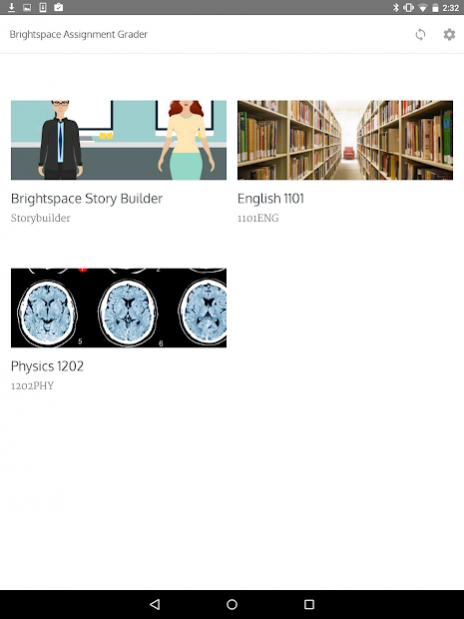
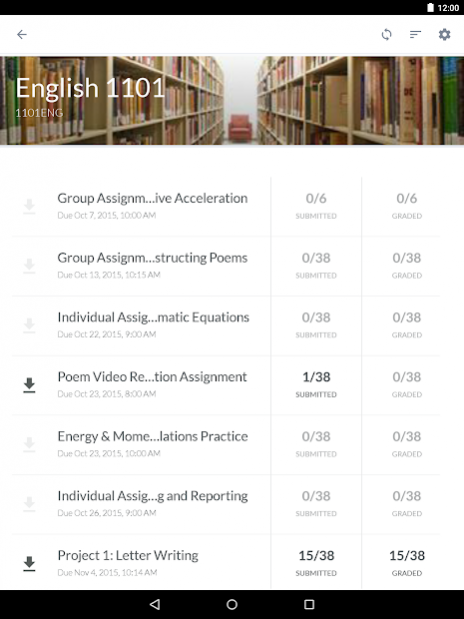
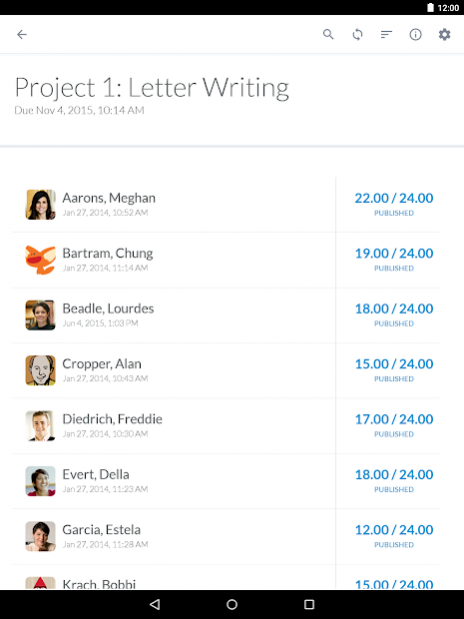
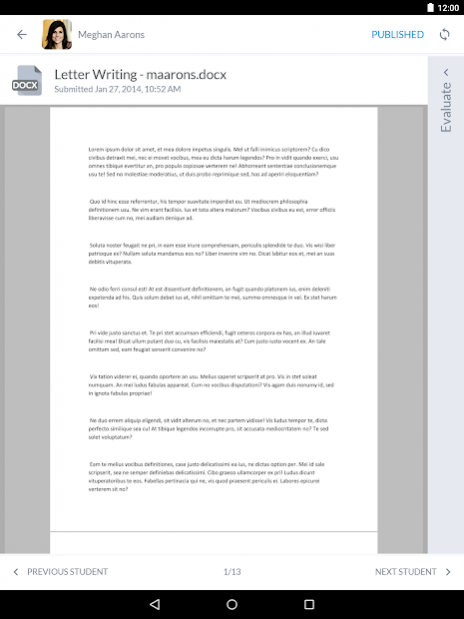
Brightspace Assignment Grader lets instructors review, grade and leave feedback on Brightspace assignments wherever they go. It provides intuitive, mobile and offline access to submitted assignments downloaded from the Assignments tool of the Brightspace Learning Environment. Any grading done is synchronized so that feedback from the app is saved and optionally published for students to receive in the Brightspace platform.
The main features of Brightspace Assignment Grader include:
• View assignment folders by Course and with rich images from Brightspace
• View assignment folder submissions by due date, name and ungraded
• View submission status and grading status of student submissions
• Inline markup of submissions with text notes, underlines, highlights and strike-troughs
• Capture and provide written, audio and video feedback
• Grade with associated rubrics or input an explicit score
• Explicit publishing of grades and feedback so they are synchronized to Brightspace
• Offline access and full use of app
About Brightspace Assignment Grader
The company that develops Brightspace Assignment Grader is D2L Corporation. The latest version released by its developer is 1.2003.280. This app was rated by 1 users of our site and has an average rating of 3.0.
To install Brightspace Assignment Grader on your Android device, just click the green Continue To App button above to start the installation process. The app is listed on our website since 2020-03-27 and was downloaded 50 times. We have already checked if the download link is safe, however for your own protection we recommend that you scan the downloaded app with your antivirus. Your antivirus may detect the Brightspace Assignment Grader as malware as malware if the download link to com.desire2learn.android.dag is broken.
How to install Brightspace Assignment Grader on your Android device:
- Click on the Continue To App button on our website. This will redirect you to Google Play.
- Once the Brightspace Assignment Grader is shown in the Google Play listing of your Android device, you can start its download and installation. Tap on the Install button located below the search bar and to the right of the app icon.
- A pop-up window with the permissions required by Brightspace Assignment Grader will be shown. Click on Accept to continue the process.
- Brightspace Assignment Grader will be downloaded onto your device, displaying a progress. Once the download completes, the installation will start and you'll get a notification after the installation is finished.
Program Details
System requirements
Download information
Pricing
Version History
version 1.2003.280
posted on 2020-03-27
Bug fixes and stability improvements
version 1.1812.210
posted on 2020-03-24
Observational assessment support
Bug fixes and stability improvements
version
posted on 2017-01-05
- Support for additional languages as French, Portuguese (Brazil) and Spanish.,- Support for additional grading statuses for submissions with IN DRAFT (not published and not available to students) and PUBLISHED (published and available to students).,- Any PUBLISHED submission feedback can now be changed with the UPDATE action or removed from student access with the RETRACT action.,- Bug fixes to improve stabilization on data synchronization.
